A complete, integrated daily productivity system.
PathDay brings everything together in one place, for people who care about productivity and want one system instead of five different apps.

Completely free. No ads. iPhone, iPad, Mac, and Apple Watch.

Follow the building of PathDay
One email per release. What shipped, what changed, and the build notes behind it. No spam, unsubscribe anytime.
One Daily Rhythm
Each piece is simple on its own. Together they keep today clear.
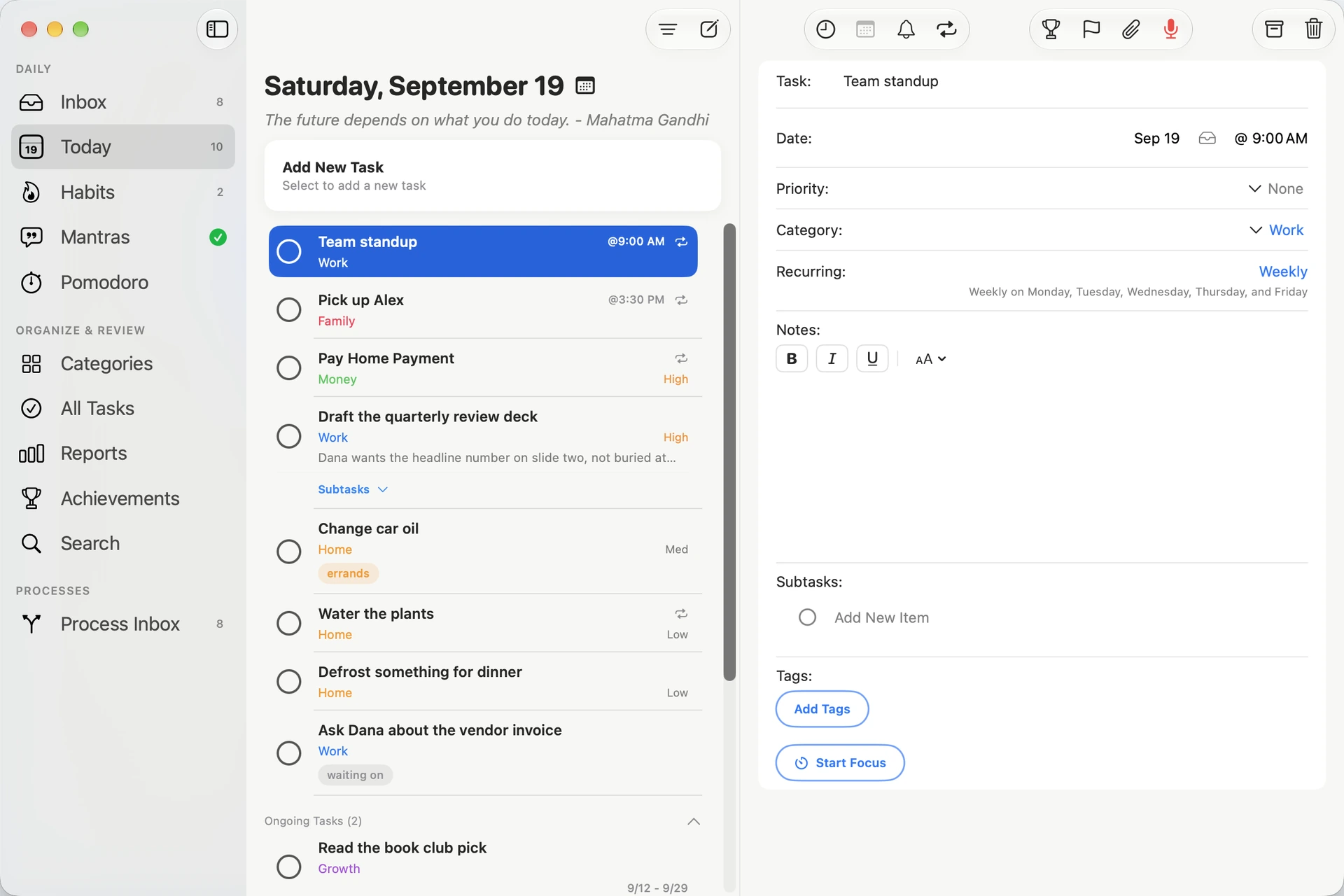
Always know what deserves your attention
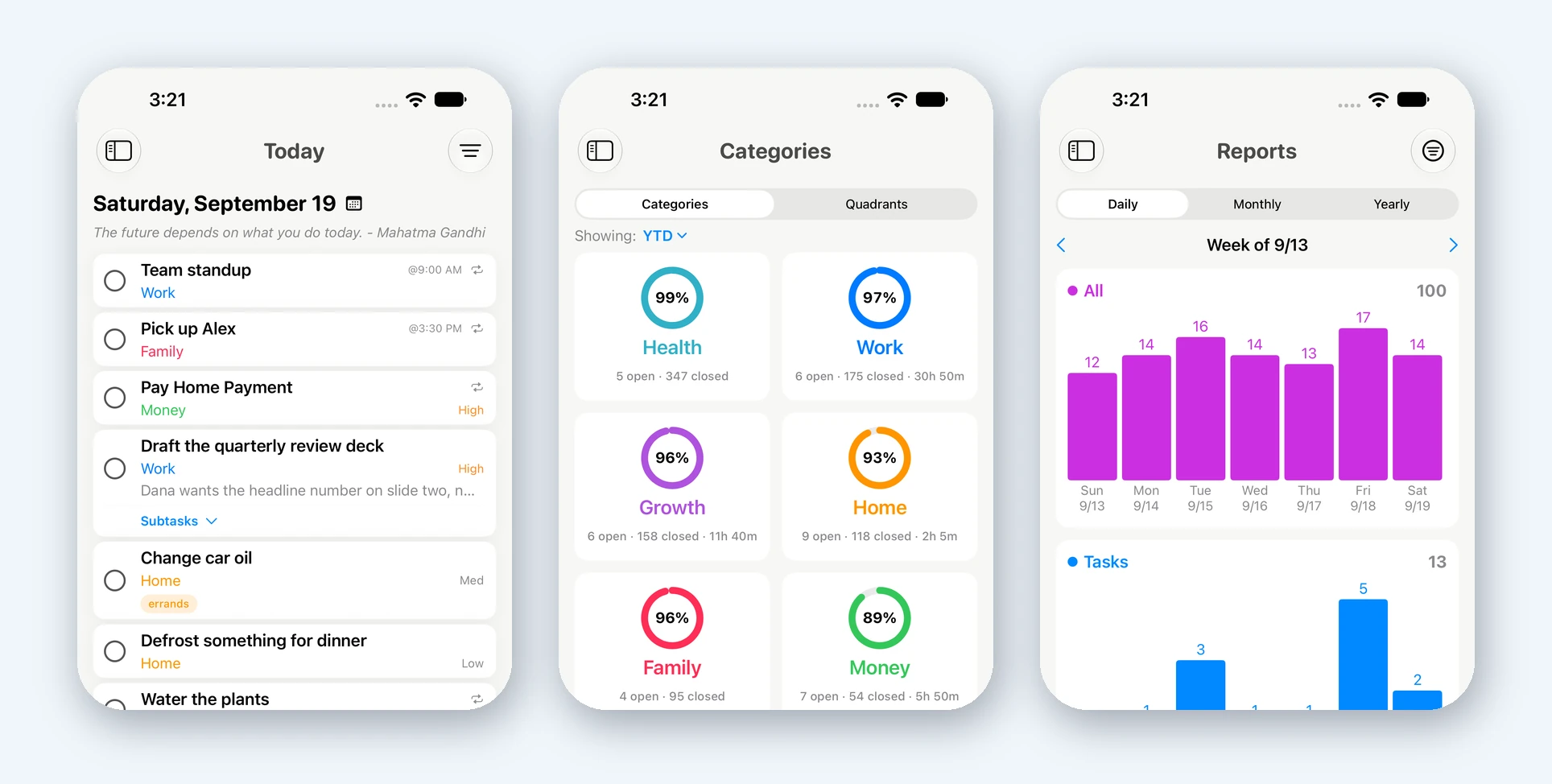
Organize everything you need to do, then plan your day from one clear Today view.
- Categories, tags, and color-coded priorities
- Recurring tasks, reminders, and attachments
- Advanced search, reports, and achievements
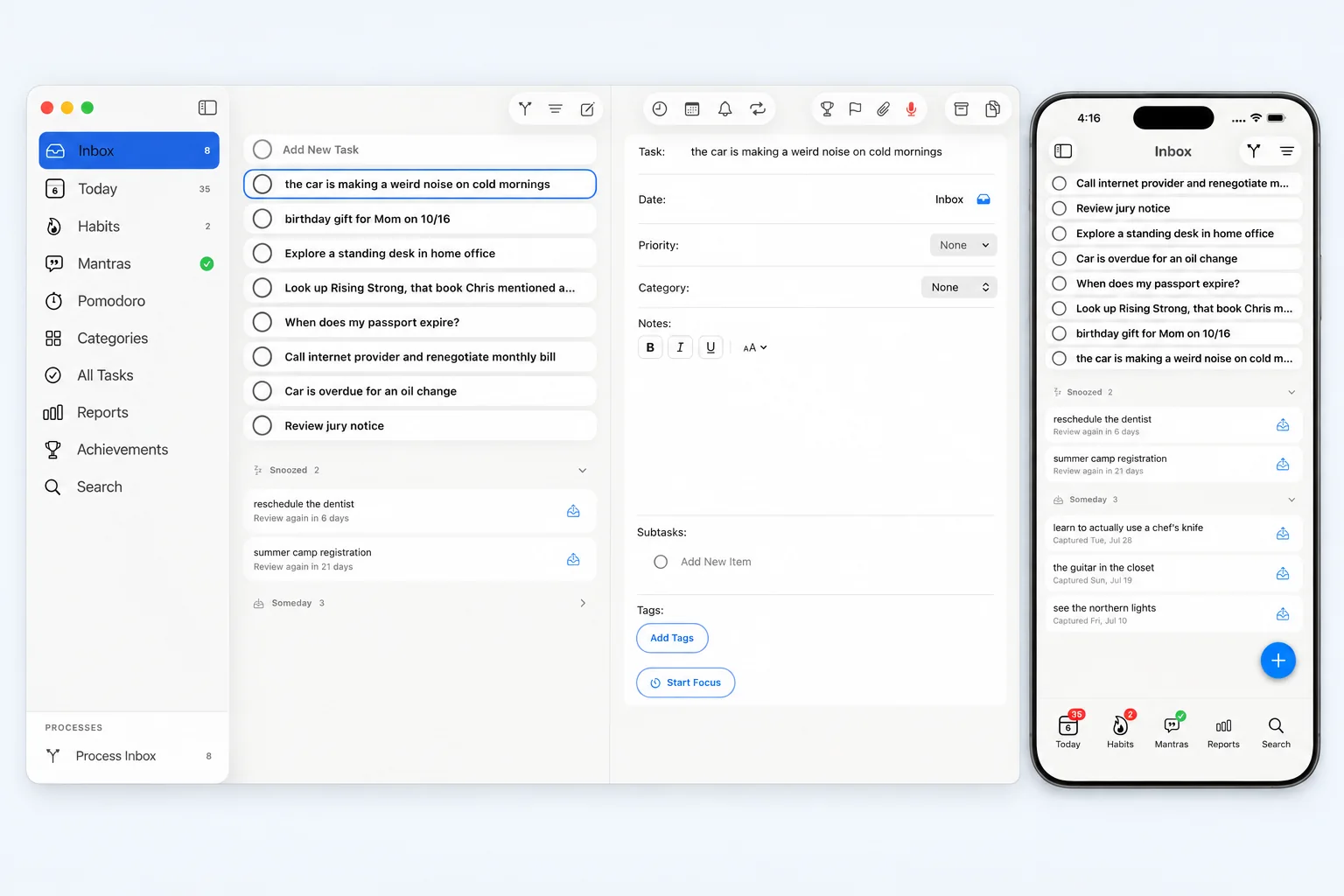
Capture now, decide later
Give every stray thought a place to land in one tap, then clear the whole lot in one deliberate pass.
- Captured items wait with no date and no category
- Schedule, snooze, or set aside for Someday
- Snoozed items come back on their own
Routines that actually stick
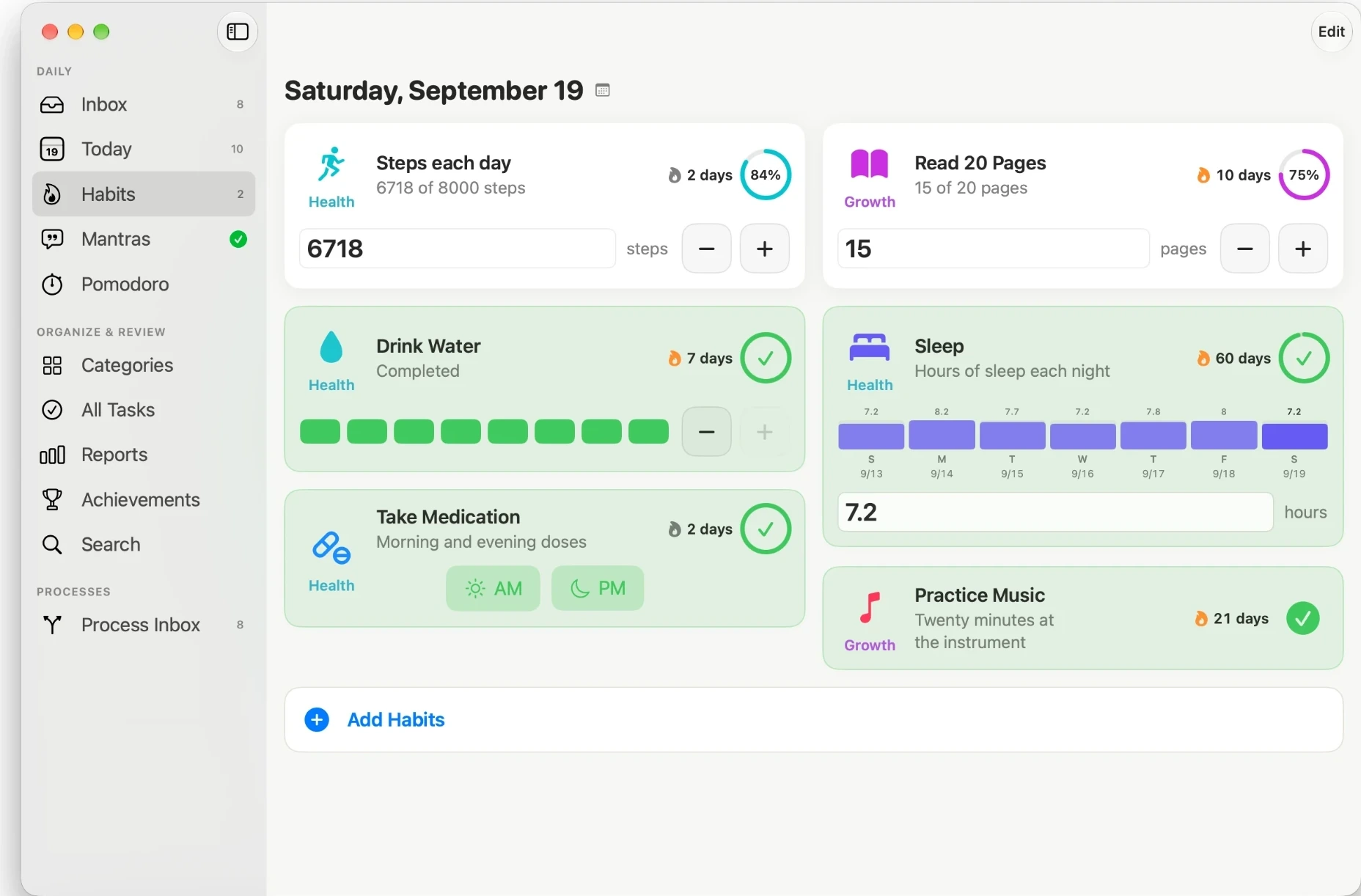
Five flexible habit types with streaks, trends, and room to catch up when life happens.
- Simple, Segment, Count, List, and Measure types
- Streaks and seven-day trend charts
- Log any past day so your record stays honest
One thing at a time
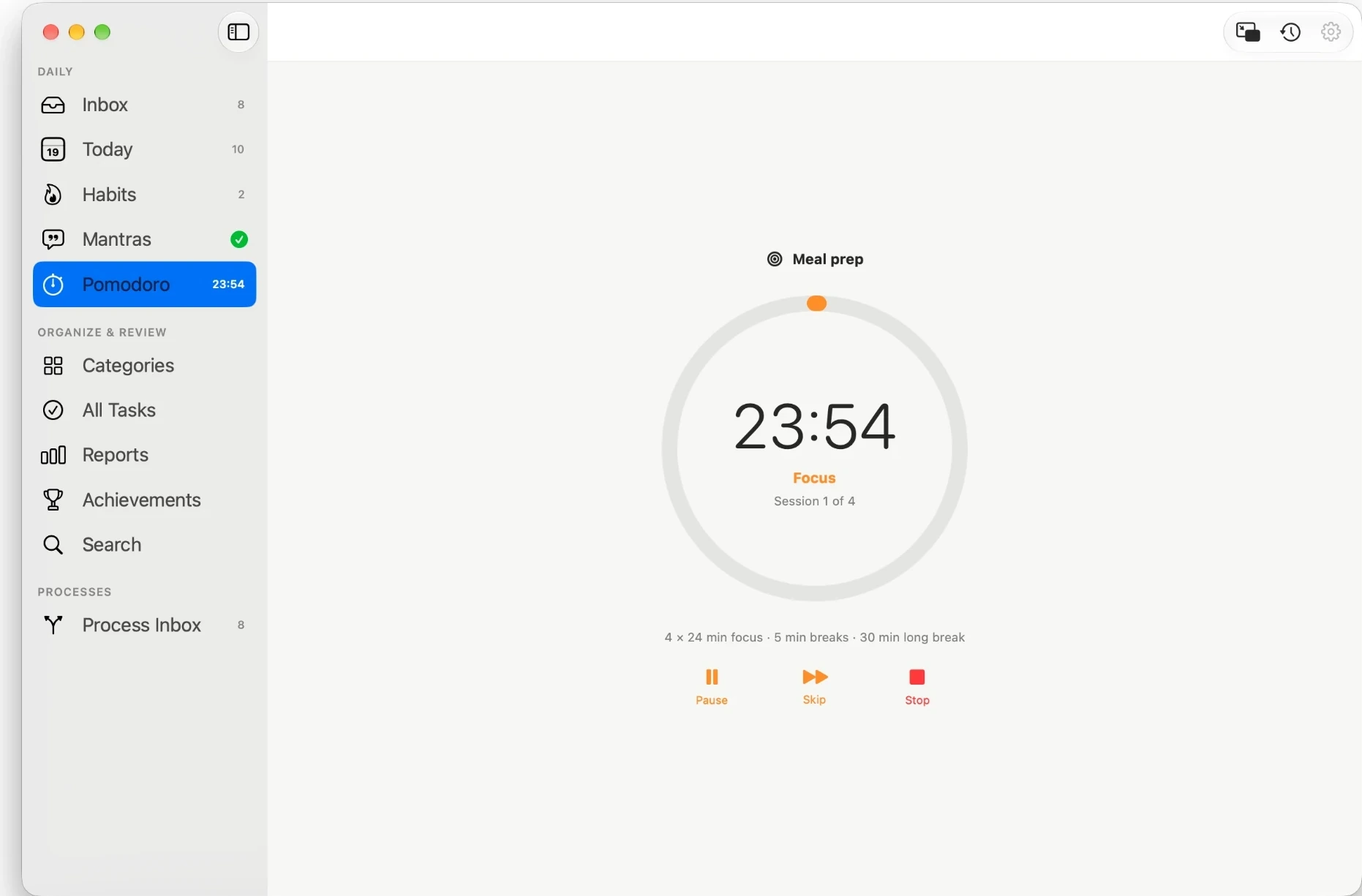
A built-in Pomodoro timer keeps sessions intentional and linked to the task you are working on.
- Configurable focus and break sessions
- Live Activity and Dynamic Island support
- A mini timer inside every task, with its focus history beside it
Begin each day with clarity
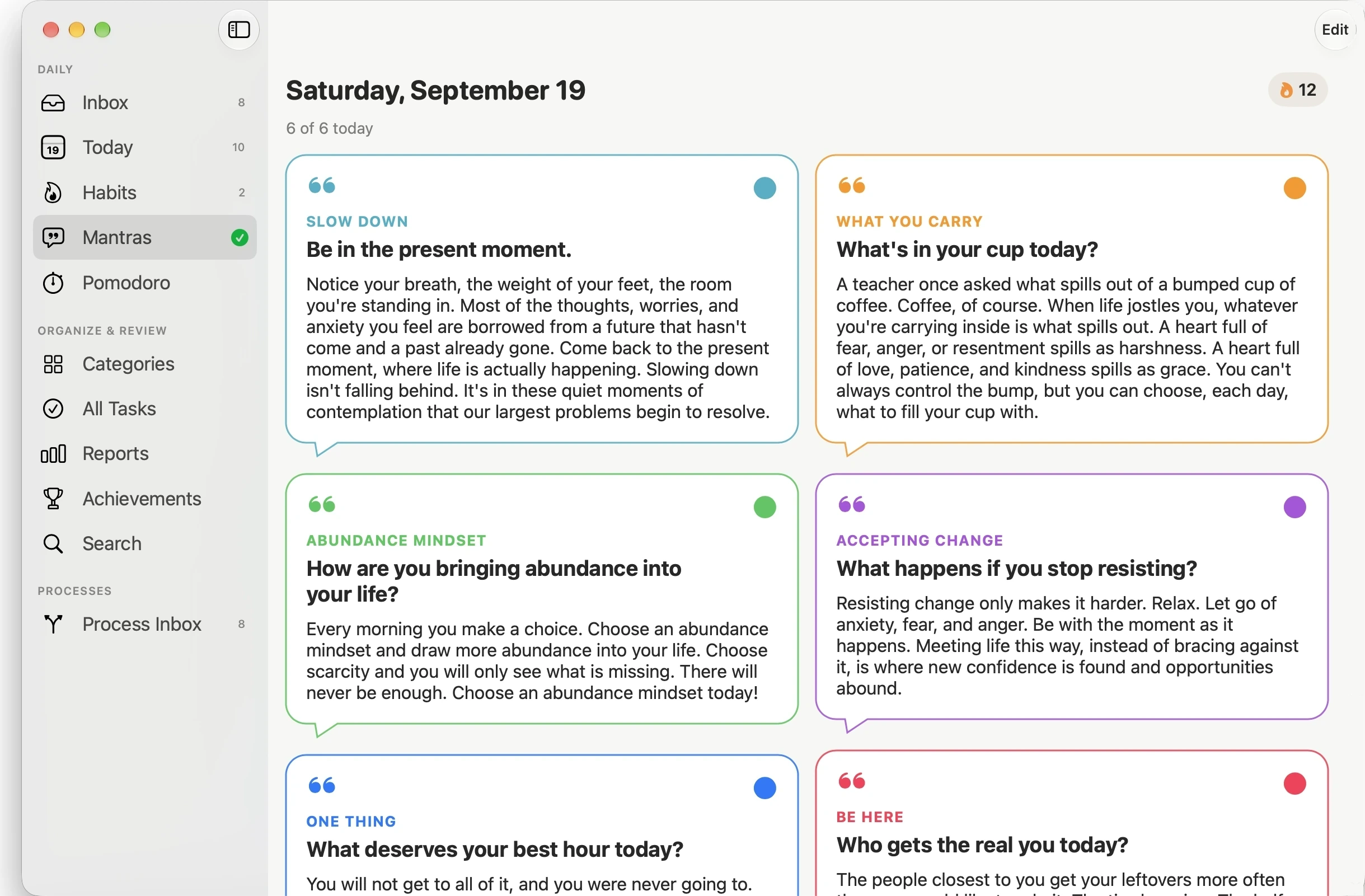
Mantras are PathDay’s daily mindset practice, the part that makes this a discipline and not just a task list.
- Choose from a built-in library or write your own
- A daily practice with its own streak
- Reinforce the mindset you want to carry into the day
Write down the day you actually had
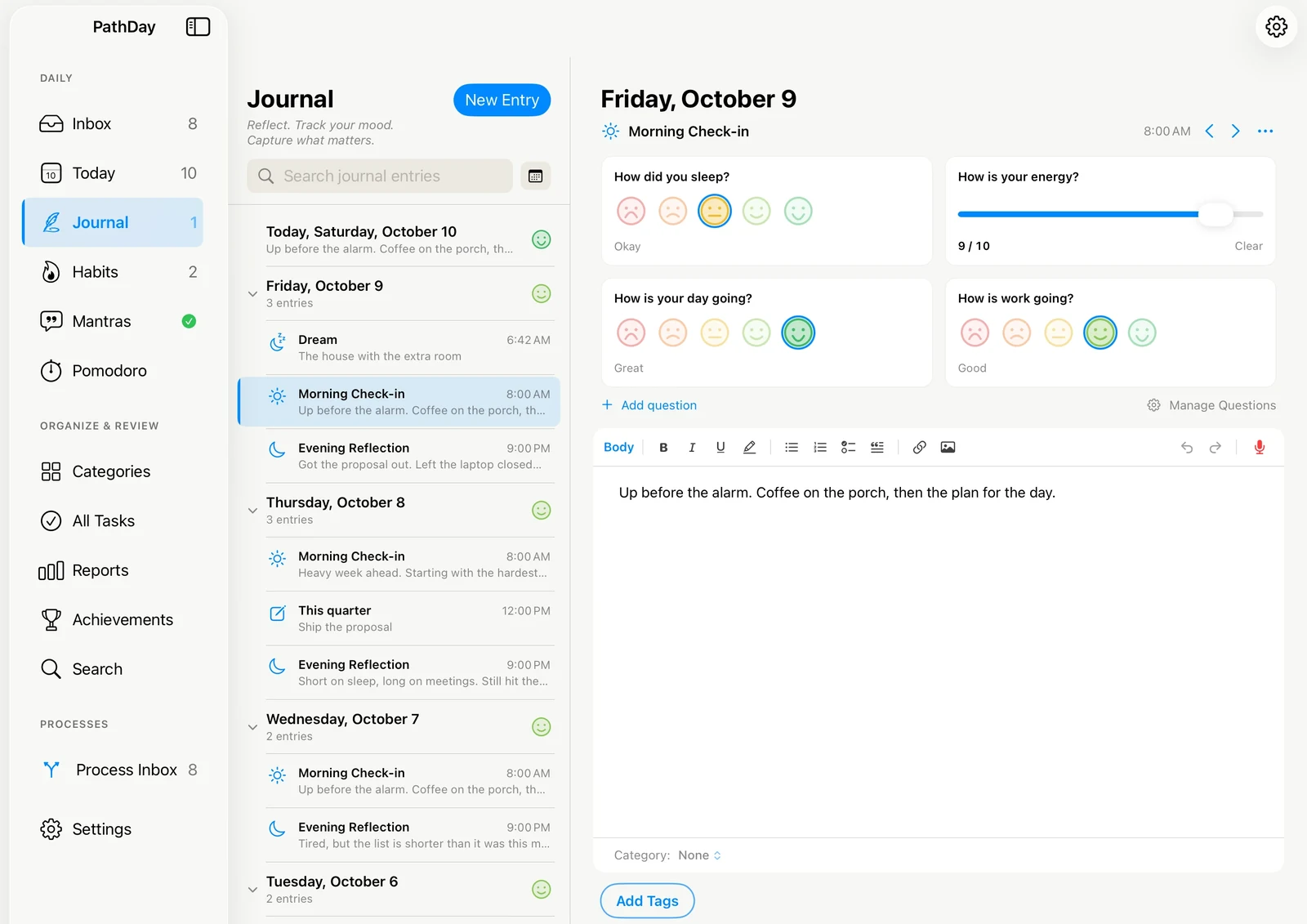
A page for every day, beside your tasks and habits. Keep one entry a day, or a few check-ins, with short questions you write yourself.
- Rich text, checklists, photos, and voice entries turned into text
- Mood questions with faces or a 1 to 10 scale, on the days you choose
- Categories and #hashtags shared with your tasks, plus a calendar and search
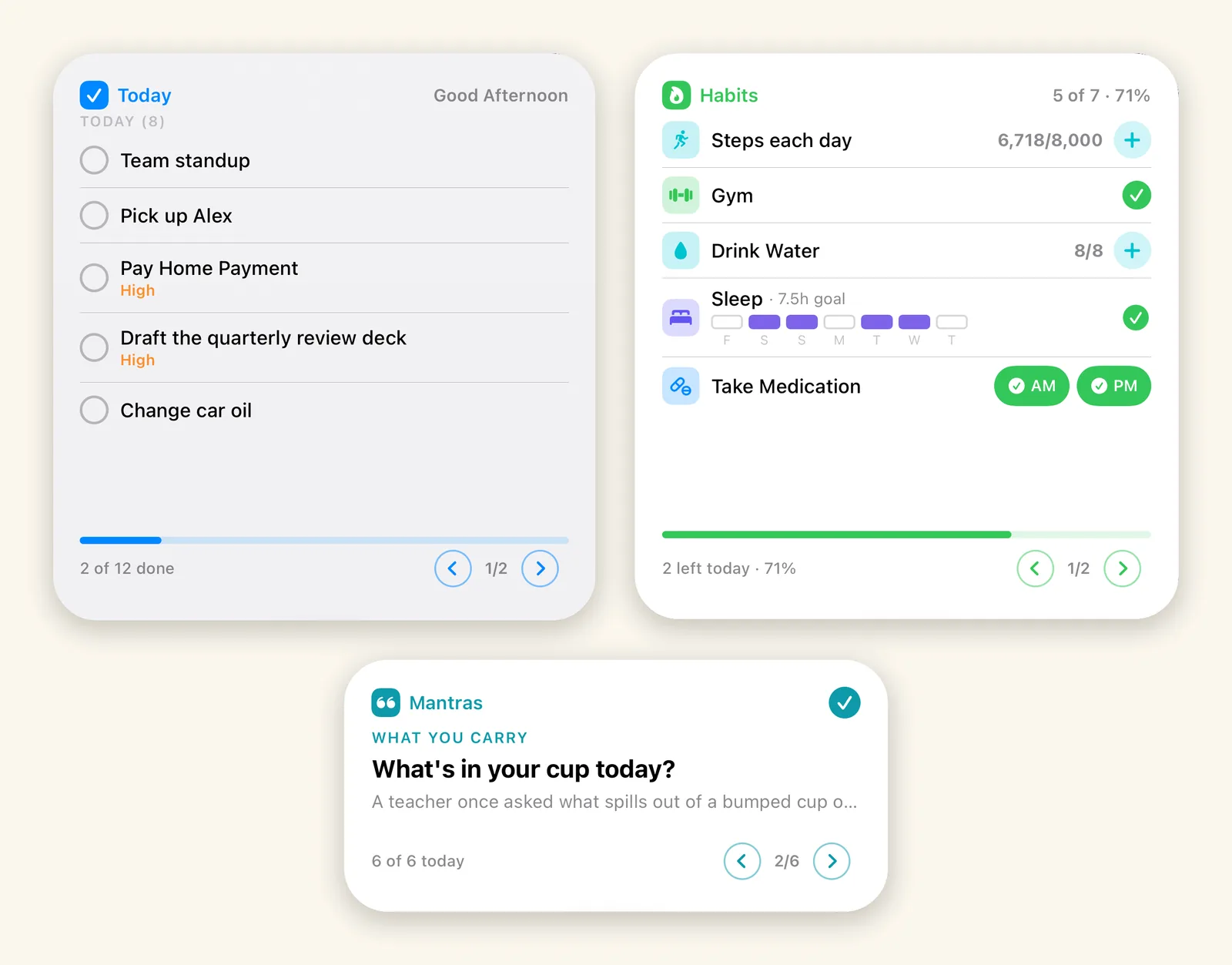
Check it off without opening the app
Today, Habits, and Mantras each get their own widget, in small, medium, and large sizes, on the iPhone and iPad Home Screen and the Mac desktop.
- Tap a task, log a habit, or mark a mantra read in place
- Counters, doses, and weekly goals all work from the widget
- Page through more than fits, with the day’s progress along the bottom